> For the complete documentation index, see [llms.txt](https://academy.kryptomon.co/the-kryptomon-academy-1/llms.txt). Markdown versions of documentation pages are available by appending `.md` to page URLs; this page is available as [Markdown](https://academy.kryptomon.co/the-kryptomon-academy-1/kmon-genesis/kmon-genesis-basics/renaming-your-pet.md).
# Renaming Your Pet
The fastest way to build a bond with your Kryptomon
## Introduction
The easiest way to build a connection with your Kryptomon is by giving it a unique name! Renaming your pet will always be free and you can do it as often as you like. Follow the steps below to rename your Kryptomon in a few simple steps! \
\
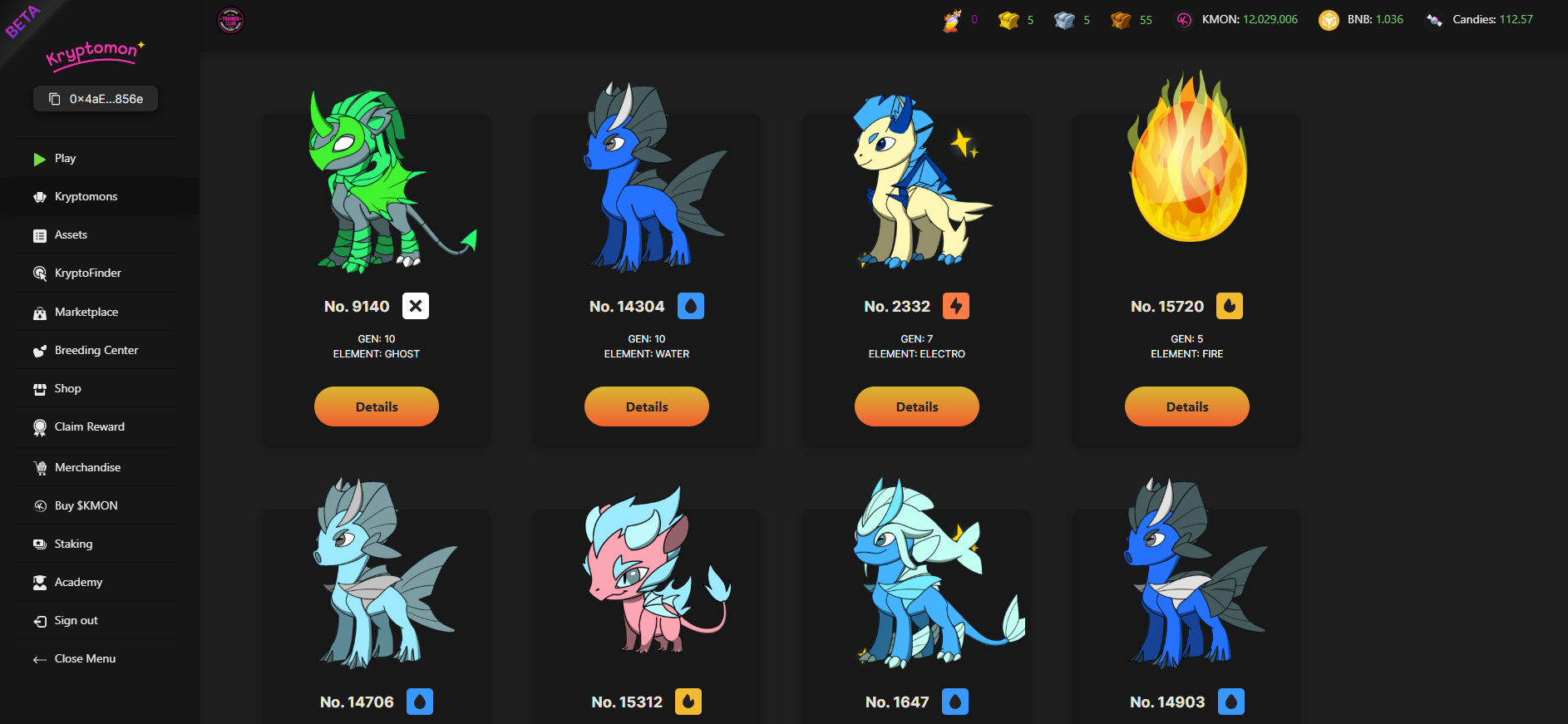
1\) Head over to the [Trainers Hub](https://hub.kryptomon.co/hub/kryptomons) and click the "Kryptomons" Tab
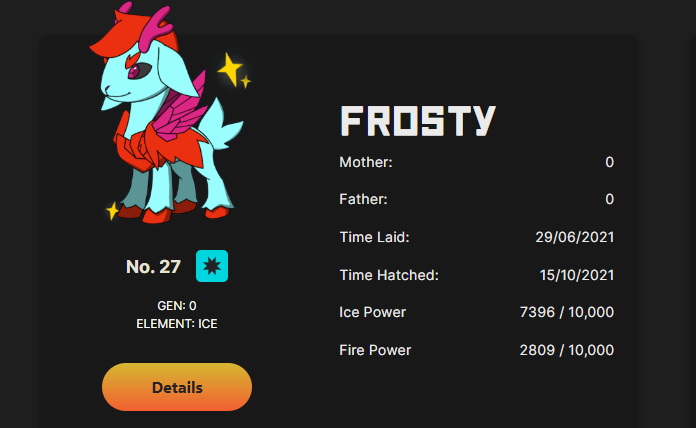
2\) Select "Details" on the Kryptomon you wish to rename
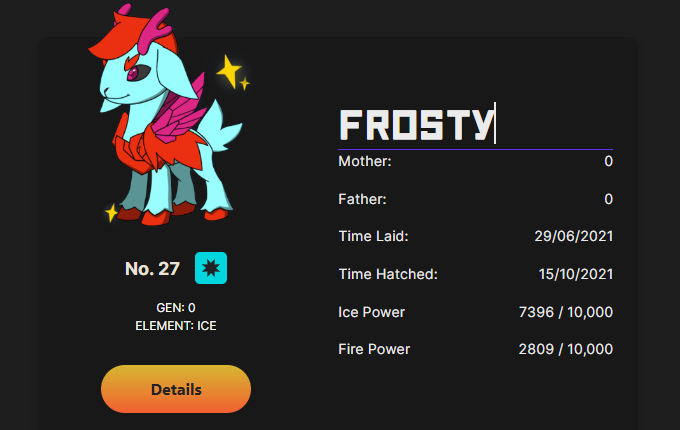
3\) Click on the existing name and enter the name you wish!
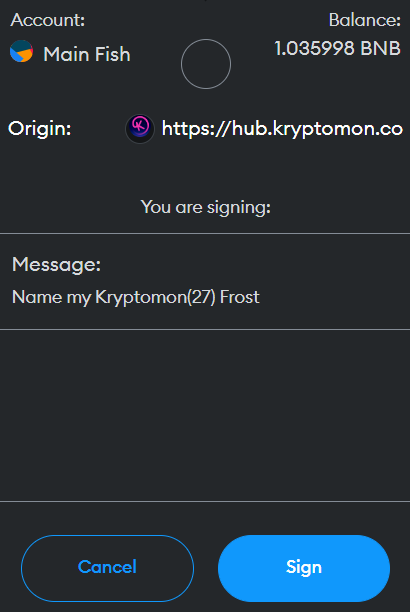
4\) Press enter and sign the metamask wallet pop up \
\
*NOTE- A signature does **not** cost any money at all, it is just the blockchain proving you are the owner of the pet*
Once you sign the transaction your pet will have a fresh new name!